
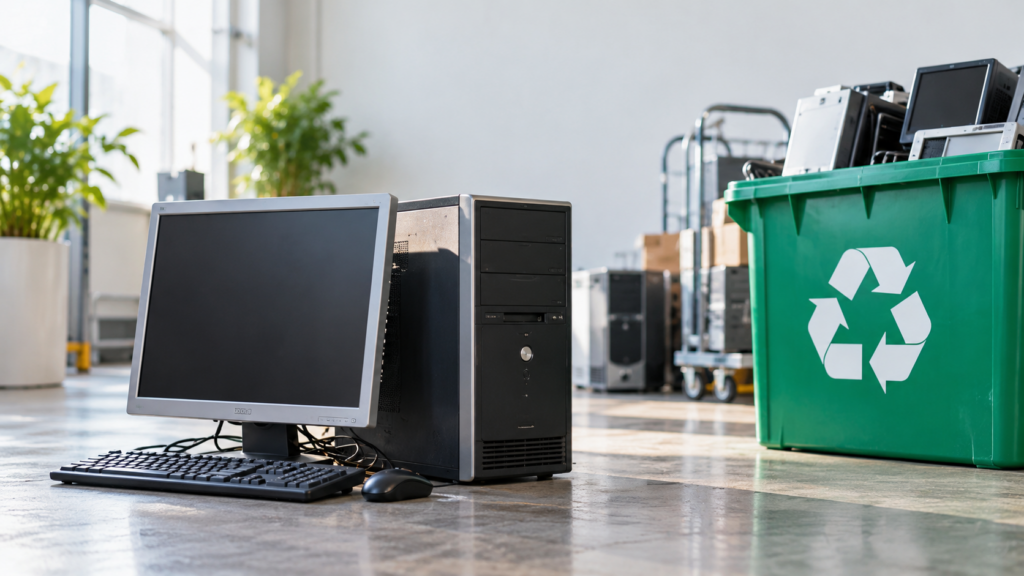
A paid-for computer can still be a spare. It cannot be a spare and a decommissioned device at the same time.
Most businesses have a shelf of computers that are no longer really in use. A laptop from someone who left. A desktop that was replaced. A server unplugged after cutover, saved in case the new one failed. Keeping it feels practical. It is already paid for, and in Illinois the trash is not an option.
That impulse is fair. The fix is not to throw out working equipment you still need. The fix is to be honest about which devices are still in service. If you may need it again, keep it active: inventoried, enrolled, patched, encrypted, and monitored. If it cannot meet those controls, retire it. A box in the storeroom is not a spare. It is an asset nobody is watching.
The distinction If you may need it again, keep it active: inventoried, enrolled, patched, encrypted, and monitored. If it cannot meet those controls, retire it. |
A decommissioned device is an asset TimbukTech, or your own IT team, is no longer managing. It is not receiving security updates, and the security tools on it are no longer doing their job. Devices are decommissioned after being replaced, or when they simply are no longer being used. From that point it should not come back as a loaner, an emergency station, or a test machine.
Security tools only protect devices they can see. Endpoint protection, monitoring, patching, encryption, and remote wipe all depend on a computer being enrolled and checked in. Decommission it, and those controls stop. The dangerous moment is usually later. Someone needs a machine for the afternoon. A closet gets cleaned out and a laptop gets plugged in to see if it still works. It comes back online without the controls you rely on everywhere else, and it may still trust your network.
The device is not dangerous just because it is old. It is dangerous because it is invisible. A computer that is not on the inventory cannot be patched, cannot be monitored, and cannot be wiped if it leaves the building.
When hardware or software reaches end of support, the vendor stops shipping security fixes. Newly found flaws stay open. For example, Windows 10 reached end of support on October 14, 2025. Businesses that still needed coverage have been buying Extended Security Updates, and the first commercial year of that program ends on October 13, 2026. The extra year Microsoft extended for consumers does not cover domain-joined or managed business PCs.
An unsupported computer is a problem on the network, and a problem if it is ever put back on the network. The same logic applies past Windows. Firewalls, access points, copiers, and the specialty PC that runs one line-of-business application all have end-of-service dates. Once those updates stop, the data on that device is what is actually at risk.
Deleting files, or running a factory reset, is not the same as destroying data. A reformat usually removes the map to the files, not the files. NIST SP 800-88 Rev. 2 separates clear, purge, and destroy, and calls for a method chosen for the sensitivity of the information, the media, and where it is going. Use an approved, repeatable method, verify the result, and tie the record to the serial number. If sanitization cannot be verified, destroy the media.
In 2023, researchers bought used enterprise routers and found configuration data still on a majority of them, including credentials. Morgan Stanley was assessed a $60 million penalty in 2020 and a $35 million penalty in 2022 after decommissioned devices were resold with customer information still on them. The failure was not recycling. The failure was that disposal was not verified.
HIPAA’s Security Rule requires a policy for final disposition of electronic protected health information and the hardware it lives on. Old exam-room PCs and imaging workstations still hold ePHI media. A breach tied to retired media is still a breach.
The FTC Safeguards Rule, and Regulation S-P for broker-dealers and similar firms, expect customer information to be protected through disposal, not only while a system is in production.
A retired machine can leave required records on a drive no one can find, or leave records that should have been destroyed still recoverable.
The Personal Information Protection Act requires personal information to be disposed of so it is unreadable, unusable, and undecipherable. Covered electronics, including computers, monitors, and printers, are banned from Illinois landfills.
Stored after decommissioning | Kept as a real spare, or disposed of on purpose |
Falls outside monitoring, patching, encryption, and remote wipe | If you still need it, it stays enrolled, patched, encrypted, and monitored |
Can be reconnected without formal approval | A true spare is approved. A retired device cannot quietly return |
May still hold recoverable data or live credentials | Media is verifiably sanitized or destroyed before it leaves |
Leaves an open compliance and records burden | Disposition is documented by asset and date |
Takes space and keeps the risk | Equipment leaves through an approved provider, with chain of custody |
Some equipment still has resale value. That can be part of the plan after the data question is settled, not before. Value recovery is a benefit. It is not the control.
Talk with your IT Business Consultant TimbukTech is happy to handle decommissioning for our clients, including secure disposal. We will inventory the device, revoke access, sanitize or destroy the media, document the outcome, and move the equipment through an approved recycler. |