
Most business owners know passwords are important. But passwords alone are no longer enough to protect your company.
Passwords can be stolen. They can be guessed. Employees can reuse them across different websites. They can also be exposed in data breaches that have nothing to do with your business. Once a password is out there, a cybercriminal may be able to use it to get into email, banking portals, cloud apps, customer files, or company systems.
That is why multifactor authentication, often called MFA, is so important.
MFA adds another step to the login process. Instead of only asking for a password, it asks for one more form of proof. This makes it harder for someone to break into an account, even if they already have the password.
But there is something many business owners do not realize: not all MFA is the same.
Some types are easy to use but less secure. Some are stronger but may take more planning to set up. Some are fine for everyday accounts, while others are better for people who handle money, sensitive data, or system administration.
MFA is not one-size-fits-all. The right approach depends on your business, your people, your systems, and your risk.
Multifactor authentication means using more than one way to prove you are really you when logging in.
A password is one way. MFA adds another.
Think of it like locking your office door. A password is like having a key. MFA is like also having an alarm code. If someone steals the key, they still need the alarm code to get inside.
Most MFA methods use one of these three things:
For example, you may enter your password and then get a code on your phone. Or you may enter your password and approve the sign-in from an app. Or you may use a physical security key to confirm it is really you.
The goal is simple: make it much harder for the wrong person to get into your accounts.
Passwords fail because people are human.
Employees may use the same password for multiple accounts. They may choose passwords that are easy to remember but also easy to guess. They may save passwords in unsafe places. They may accidentally type a password into a fake login page. They may not know their password was exposed in a past breach.
Cybercriminals know this. Many attacks today do not start with advanced hacking. They start with a stolen username and password.
That is what makes MFA so valuable. Even if a criminal gets a password, MFA gives them another barrier to get past.
A Microsoft-authored study on MFA effectiveness found that MFA significantly reduces the risk of account compromise, including in cases where credentials have already been leaked.
That is a strong reason for every business to use MFA. But the type of MFA you choose still matters.
There are several common forms of MFA. Some are better than others.
Email-based MFA sends a code or link to your email address. You use that code or link to finish signing in.
This is easy for employees because everyone already knows how to use email. It can be better than having no MFA at all.
But it has a major weakness.
Your email account is often the main thing criminals want to access. If someone breaks into your email, they may also be able to receive your login codes for other systems. That means email-based MFA can become a weak link.
Email is also a common target for phishing. Phishing is when a criminal sends a fake message or fake login page to trick someone into giving away information.
For business accounts, email codes should not be considered the strongest option. They may be useful in some cases, but they should not be the main protection for important systems.
Text message MFA sends a code to your phone by SMS. You type that code in after entering your password.
This is one of the most common types of MFA. It is simple and familiar. It works on almost any phone. Many businesses started with text message codes because they are easy to roll out.
But text message codes are also less secure than many people think.
CISA has warned that some forms of MFA are vulnerable to attacks such as SIM swapping, SS7 telecom weaknesses, phishing, and push-related abuse.
SIM swapping is when a criminal tricks a mobile phone provider into moving your phone number to another device. If that happens, your text messages may go to the criminal instead of you.
Text codes can also be stolen through phishing. A criminal can create a fake login page that asks for your password and your text code. If you enter both, the criminal may use them right away.
Text message MFA is still better than no MFA. But for important business accounts, it should usually be seen as a basic option, not the strongest one.
Authenticator apps are a stronger option for many businesses.
These apps create temporary login codes or send sign-in approval requests to your phone. Examples include Microsoft Authenticator, Google Authenticator, Duo, and similar apps.
Authenticator apps are generally safer than text messages because they do not depend on your phone number. That helps reduce the risk of SIM swapping.
There are two common ways these apps work.
One way is a changing code. You open the app, see a short code, and type it in when you log in.
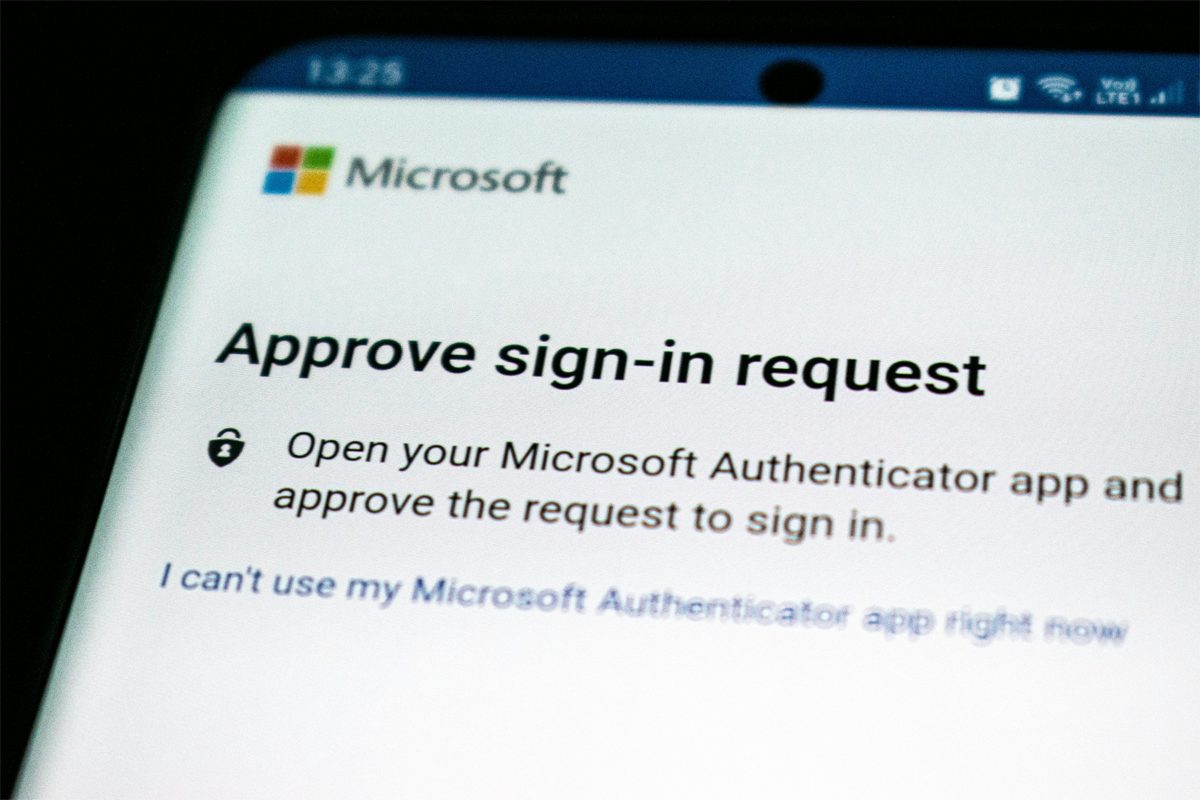
Another way is a push notification. You get a message on your phone asking you to approve or deny the sign-in.
Both can be helpful. But employees need to understand how to use them safely.
For example, employees should never approve a sign-in request they did not start. If they receive an unexpected login prompt, that may mean someone else is trying to access their account.
Some systems also use number matching. This means the login screen shows a number, and the employee must enter that number into the app. This helps prevent people from accidentally approving the wrong login.
Sophos has also moved away from older SMS and email-plus-PIN methods for new users of Sophos Central, requiring stronger options such as authenticator apps or passkeys.
That is a good example of where the industry is heading. Businesses are moving away from weaker MFA methods and toward stronger ones.
A security key is a small physical device used to confirm a login. It may plug into a computer or connect wirelessly.
Security keys are one of the strongest MFA options. They are especially good at protecting against phishing. That is because the key is designed to work with the real website, not a fake copy.
Security keys are often a smart choice for higher-risk users, such as:
Anyone with access to sensitive company or customer information.
The downside is that security keys take more planning. They need to be purchased, handed out, set up, and managed. The business also needs a plan for lost or damaged keys.
Not every employee may need a security key. But for the people who have the most access, they can provide a much stronger layer of protection.
Passkeys are a newer way to sign in that can reduce or even replace passwords in some cases.
A passkey lets a person sign in using a trusted device, often with a fingerprint, face scan, or device PIN. Behind the scenes, it is much harder for criminals to steal or reuse.
Microsoft describes phishing-resistant MFA as a key part of modern identity protection and Zero Trust security.
That matters because phishing is one of the most common ways criminals steal passwords and login codes. Passkeys and similar methods are built to be much harder to phish.
Passkeys are becoming more common, but not every system supports them yet. Some businesses may need time to adopt them. Still, they are an important part of where account security is going.
It is easy to think that turning on MFA is the finish line.
It is not.
Turning on MFA is important, but the method matters. A text code is not the same as an authenticator app. An authenticator app is not the same as a security key. A security key is not always needed for every account.
The best MFA plan matches the level of protection to the level of risk.
For example, an employee logging into a basic scheduling tool may not need the same protection as someone logging into a bank account. A marketing account may not need the same protection as an administrator account that can reset passwords for the whole company.
Business owners should think about:
The answers help determine what type of MFA makes sense.
For lower-risk accounts, an authenticator app may be enough. For high-risk users or sensitive systems, a security key or passkey may be a better choice. For systems that only support text or email codes, extra monitoring or stronger policies may be needed.
The goal is not to make logging in difficult. The goal is to make it difficult for criminals while keeping it manageable for employees.
MFA only works well when employees understand it.
A person should know that an unexpected MFA prompt is a warning sign. If they did not try to log in, they should not approve the request. They should report it.
Employees should also know that no one should ask them to share a login code. Not a vendor. Not a manager. Not someone claiming to be from IT.
Simple training can make MFA much more effective.
Employees should be taught to:
This does not need to be complicated. Clear instructions and short reminders can go a long way.
There is one more important piece: account recovery.
Account recovery is how someone gets back into an account if they lose a phone, forget a password, or cannot complete MFA.
This process needs to be secure too.
If an attacker can bypass MFA by calling the help desk or using an old email address, then MFA is not doing its full job. A business should make sure recovery steps are clear, safe, and verified.
For example, the company should know how to handle:
Good MFA is not just about turning on a setting. It is about having a full plan.
Businesses do not have to fix everything overnight.
A smart approach is to improve MFA in stages.
The best MFA plan is one employees can actually use and the business can actually manage.
MFA is one of the most important security steps a business can take. It helps protect accounts even when passwords are stolen or exposed.
But not every type of MFA offers the same level of protection.
Email codes and text messages are familiar, but they are less secure. Authenticator apps are usually a stronger choice. Security keys and passkeys can provide even better protection for high-risk accounts.
The right answer depends on the business. It depends on the people, the systems, and the damage that could happen if an account were compromised.
At TimbukTech, we help businesses move beyond the MFA checkbox and choose authentication options that match real-world risk. Contact us today to help you put the right protection in the right places.