
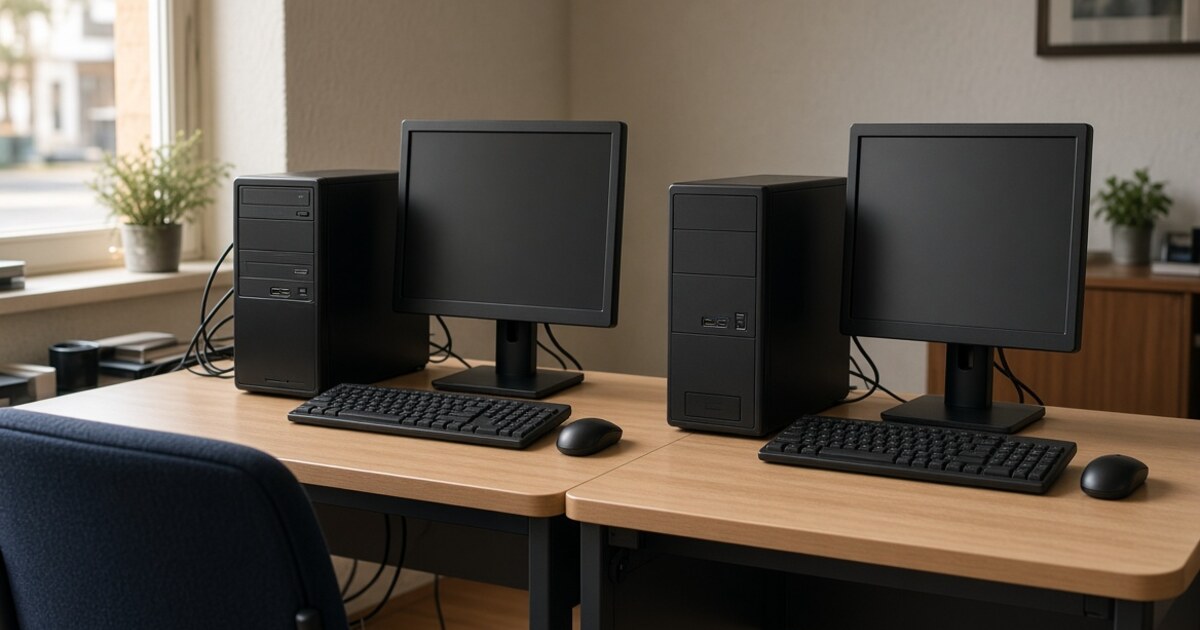
A computer from a retail shelf and a computer built for an office can look similar from across the room. Same screen. Same keyboard. Same promise that it will “just work.”
They are not the same machine.
Consumer computers are designed for the living room and the weekend. The parts, the cooling, the case, and the software load are chosen for that world. Business-grade computers are designed for long-term daily performance in a demanding office — eight or ten hours at a time, every workday, with real software and real customers on the other end of it.
The difference is quality. It shows up in how the machine is built, how it holds up, and — just as important — who it is actually working for on day one.
Most consumer computers do not arrive as a blank tool. They arrive as a storefront.
Manufacturers are paid to preinstall software from partners and advertisers. That load is commonly full of trial programs, extra toolbars, “free” security suites, and other processes that run in the background from the first boot. A lot of it is there to watch what you do, prompt you, upsell you, and send information onward. In plain terms, it behaves like spyware. You did not ask for it. It is already on the machine.
That is not a glitch in the business model. It is the business model. A lower retail price is easier to put on a box when the manufacturer can also sell access to the person who buys it. You and your data are the product.
That is a poor fit for a household. It is a worse fit for an office that handles customer records, email, banking, and the daily work of a local business. Cleaning it off takes time. Missing some of it means those programs keep running. Either way, the computer is working a second job you never hired it to do.
An office computer is asked to run all day: email, line-of-business software, browser tabs, video calls, printers, shared drives, and the next interruption that just walked up to the desk. A home computer is rarely asked for that.
Business-grade machines are put together with that load in mind. The way the internal components work together matters. So does the placement of heatsinks, how air moves through the case, and whether the exterior is just a shell or part of a machine meant to last. Those choices keep the system cool, quiet, and steady years into a workday schedule.
Consumer machines are typically packed tighter and cooled just enough for light use. Under real office demand they throttle. Performance drops. Fans get loud. The computer that felt fine in week one starts feeling tired by month six. That is not bad luck. That is a different standard of build.
The software foundation is part of the quality difference too. Windows Home is fine for a household. It does not include the encryption and other security tools most compliance regulations expect. It is also a poor fit for a business that needs to join a domain, manage devices consistently, or let someone work remotely without a workaround.
TimbukTech computers come with the professional versions of Windows, configured out of the box so they just work. Encryption is there. The management tools an office needs are there. No trial toolbars. No “free” antivirus that spends more time advertising than protecting.
Set the two machines next to each other and the gap is not subtle. One was built to be sold. The other was built to be used.
Side by side
Same shape. Different machine.
| What you are comparing | A consumer / home PC | A TimbukTech business PC |
|---|---|---|
| Who it was built for | The living room Designed for evenings at home, light use, and a retail shelf. | The workday Designed for long-term daily performance in a demanding office. |
| What is on it day one | Spyware and ads Trial programs, partner software, and background processes the manufacturer was paid to include. You and your data are the product. | A clean tool Configured to work for your office. No advertiser storefront sitting on the desktop. |
| Build quality | Packed for a price Components packed tightly and cooled just enough for light use. Under all-day load it throttles, gets loud, and slows down. | Built to last Parts, heatsinks, airflow, and casing chosen so the machine stays steady years into a real work schedule. |
| Windows | Home edition Fine for a household. It does not include encryption and other security tools most compliance rules expect, and it is missing the management features an office uses to protect and connect machines. | Professional edition Includes encryption and the security tools most compliance regulations require, plus domain join, device management, and remote work — ready out of the box. |
| How it holds up | Fades under load Feels fine in week one. Often tired by month six of real office use. | Stays the same Chosen so it still feels like the same tool in year three. |
| When something goes wrong | Harder to forecast TimbukTech will still support it. Because the parts and the software load vary so widely, it is less predictable what it will take to get a lasting fix. | A known machine The same local team — and a computer they already know how it was built and configured, so a fix is more straightforward. |
| The honest difference | Built to be sold — including selling you. | Built to be used by your business. |
Price still matters. It should. But it is a poor way to choose the machine that will hold your work, your customers’ information, and your staff’s attention all day. A consumer PC can look like the quicker option on a shelf. It is a lower-quality tool in an office, and it often starts the relationship by treating you as inventory.
TimbukTech’s business-grade computers are chosen and configured for long-term daily performance in demanding office environments. We pay attention to how the internal components work together, how heat is managed, and how the machine will be used — not how it photographs on a shelf. They arrive with professional Windows and without the advertiser software that turns a new computer into someone else’s channel.
That is the same approach we take with the rest of your technology. The computer is not a separate shopping trip. It is part of a plan that has to work with your network, your software, your security, and the people who sit down at that desk on Monday morning.
If you are replacing machines this year, or if a few of them are already starting to feel tired, it is worth asking a different question than whether the box on the shelf looks close enough.
Was this computer built to do your work — or built to keep working on you?
We help local businesses answer that before a new machine lands on a desk. If you want a computer that arrives ready for work, stays ready for work, and belongs to your office instead of to a list of advertisers, we would be glad to talk through what that looks like.